For parking & commercial properties
Make parking easy to pay for. And easier to manage.
Let drivers scan or tap to pay in their browser—no app download required. Manage locations, rates, parking sessions, and reporting from one platform.
Trusted by









From a parking sign to a clearer view of every location.
Start with a sign. Let drivers pay on their phones.
Direct drivers to a mobile payment page with QR or tap-enabled signage. They enter their vehicle and parking details, pay in their browser, and receive confirmation—without downloading an app.
Riverside Parking
Pay for parking
Scan or tap to begin
Riverside Parking
Vehicle registration
Parking duration
Parking confirmed
- VehicleSAMPLE 123
- Valid until3:30 p.m.
Make it clear who drivers are paying.
Carry your property's identity from the parking sign to the payment page, confirmation, and receipt. Give visitors clear site information and a consistent branded experience.
Riverside Parking
Pay for parking
Scan or tap to begin
Riverside Parking
Vehicle registration
Parking duration
Email receipt
Parking receipt
- LocationRiverside Parking, Main lot
- VehicleSAMPLE 123
- Parking period1:30 p.m. to 3:30 p.m.
- Payment referenceRP-2026-0418
Manage every lot without treating every lot the same.
Oversee multiple parking locations from one administrative account. Configure rates by location, time of day, date range, or season to match how each site operates.
Parking locations
Main lot
Standard rates
Visitor centre
Time-of-day rates
Seasonal lot
Seasonal rates
Pricing rules
Location
Time of day
Date range
Season
Give enforcement the information it needs.
Record the vehicle, parking location, and valid session times. Where data sharing is configured, provide relevant information to enforcement partners through secure APIs or structured exports.
Parking session
Vehicle
SAMPLE 123
Location
Main lot
Valid from
1:30 p.m.
Valid until
3:30 p.m.
Payment status
Paid
Configured enforcement data sharing
API or structured export
Know what each location collected.
Review transaction summaries, payment totals, and parking-session activity by date and location. Export reports for reconciliation or connect data to tools such as Power BI.
Parking reporting
Location
All locations
Date range
This month
Report options
Choose a report
Payment totals
Transaction summary
Parking sessions
- CSV
- Excel
Connect vehicle access where your site needs it.
For gated locations, connect compatible plate-recognition and access-control systems to your parking workflow. Check eligible vehicles against configured access rules and give staff visibility into exceptions.
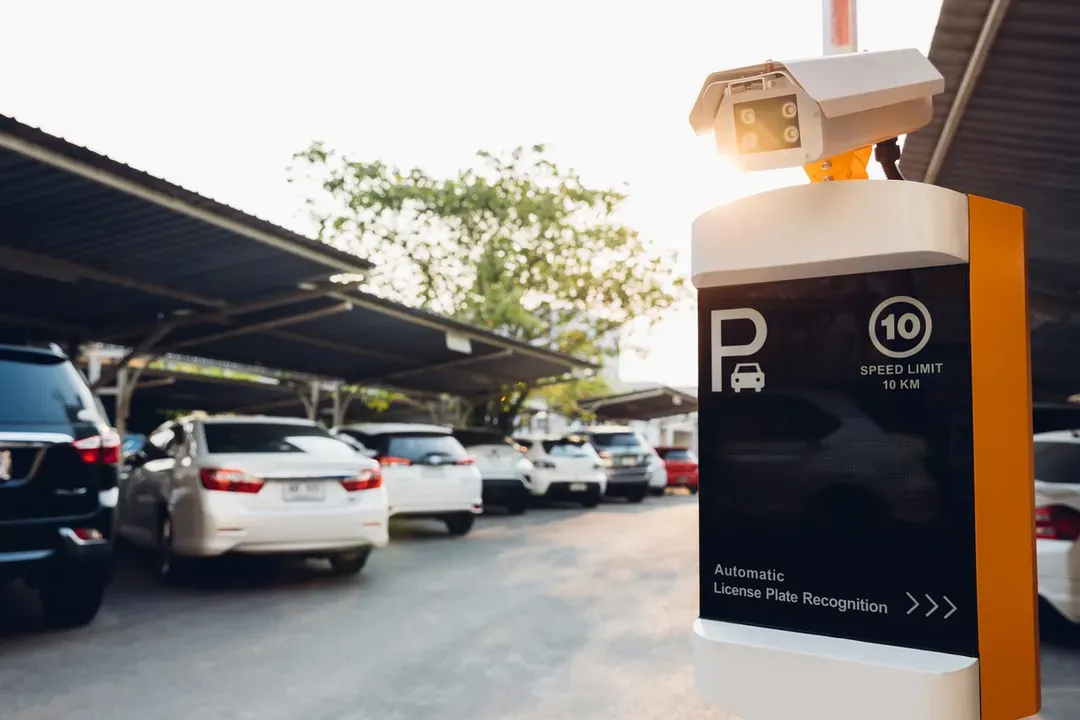
Plate detected
Access checked
Barrier opens
Branded visitor journeys. English and French service. Centralized management.
Practical questions
Do drivers need to download an app?
No. Drivers access the payment flow through a mobile browser, typically by scanning a QR code, tapping enabled signage, or following a link.
Do we need gates or pay-and-display machines?
No. ParkPass supports signage-based mobile payment for ungated locations. Hardware integrations are available where the site requires them.
What if a visitor does not have a smartphone?
Authorized staff can complete a parking transaction at a staffed location using a desktop or tablet, subject to your site's setup and procedures.
Can ParkPass connect to our enforcement system?
Integration depends on the system and agreed requirements. ParkPass supports API-based integration and structured data exports; compatibility is reviewed during scoping.
See how ParkPass could work across your parking locations.
Request a demo focused on mobile payments, signage, pricing, enforcement workflows, and reporting.